
Contracts to Judge Districts & State
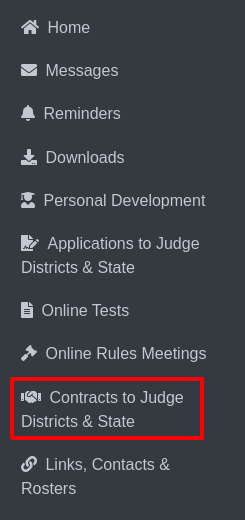
Select Contracts To Judge Districts & State from the sidebar.
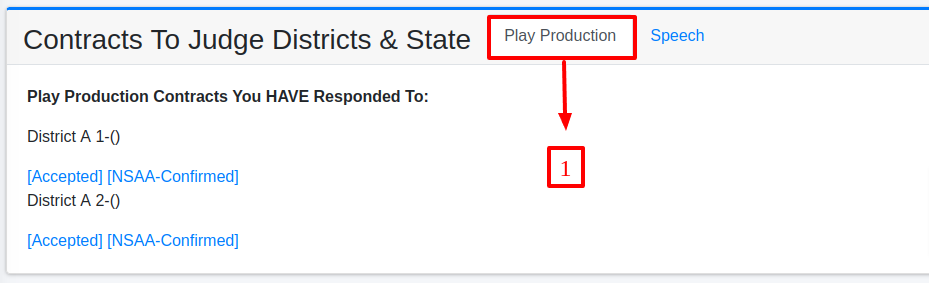
This section displays two options: Play Production and Speech.

i. Play Production:
Details for Play Production contracts will display by default, showing responses for contracts you have agreed to in Play Production.
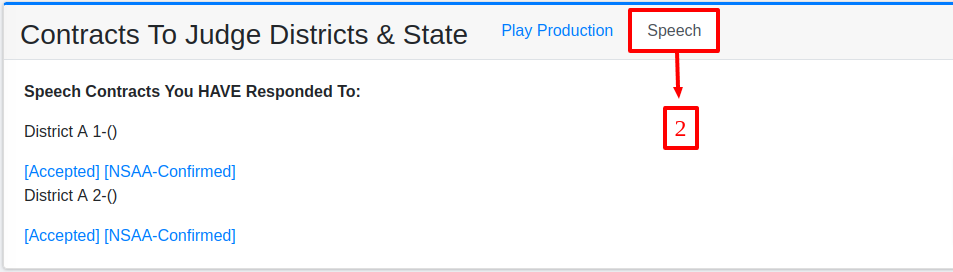
ii. Speech:
To view Speech contract details, click the Speech button. The information displayed will mirror the format used for Play Production.
iii. Individual Contest Confirmation:
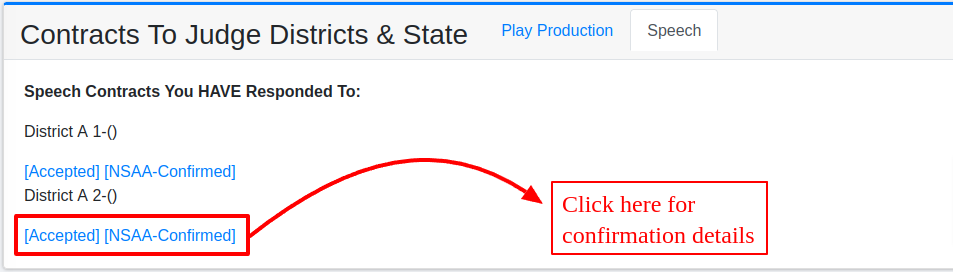
Clicking on a contract opens the confirmation form for the selected contest.
You can submit the form by clicking the Submit button
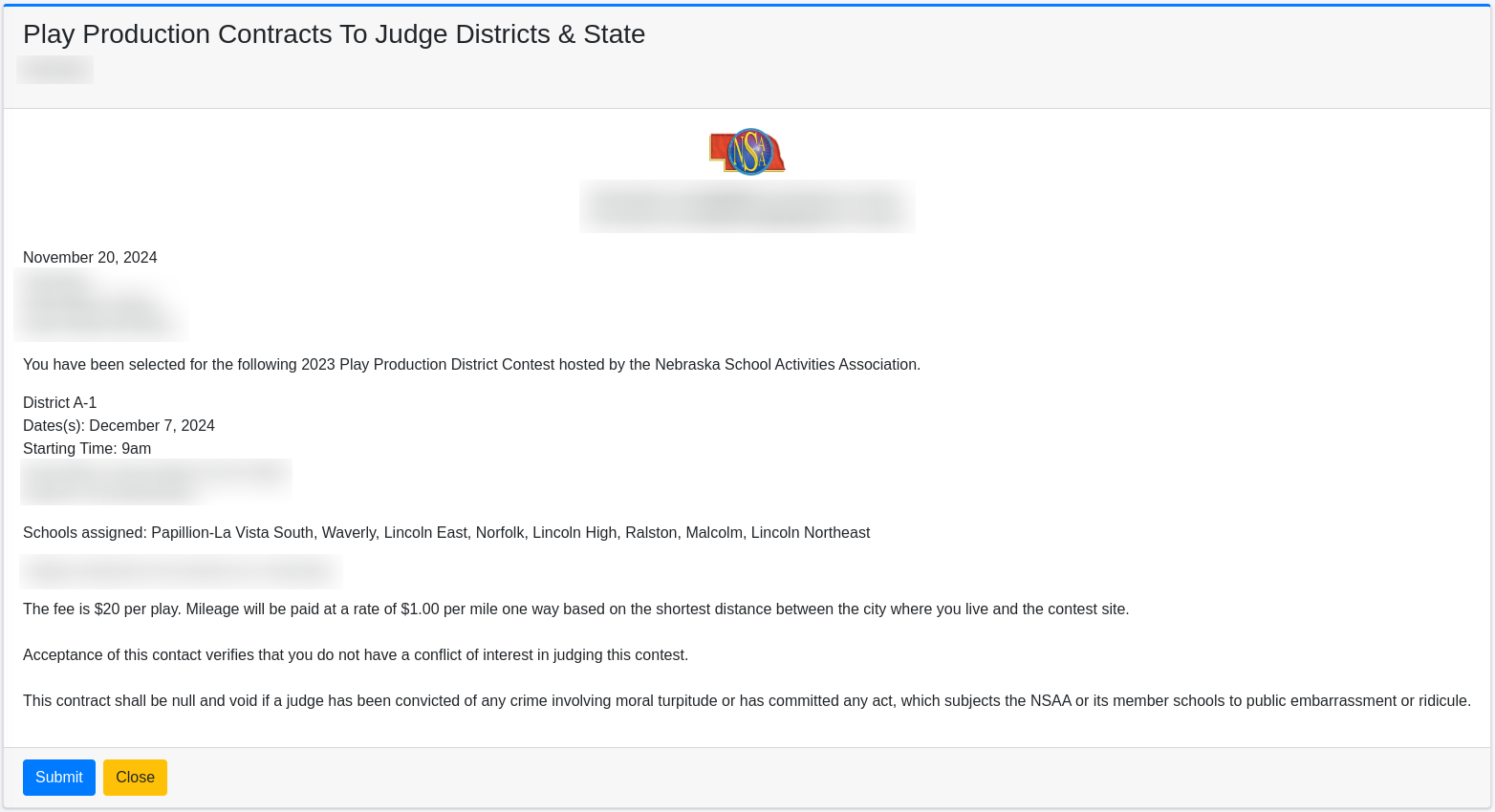
At the bottom of the form, a Close button allows you to close the form when finished.