
Home
Admin Panel Sidebar:
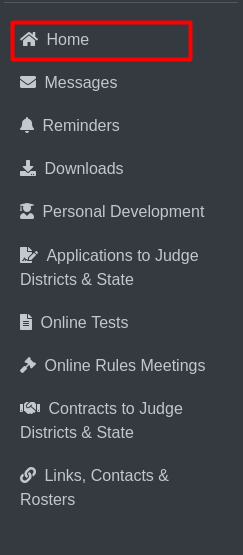
This is the sidebar for Home.By clicking Home will take you to the homepage.
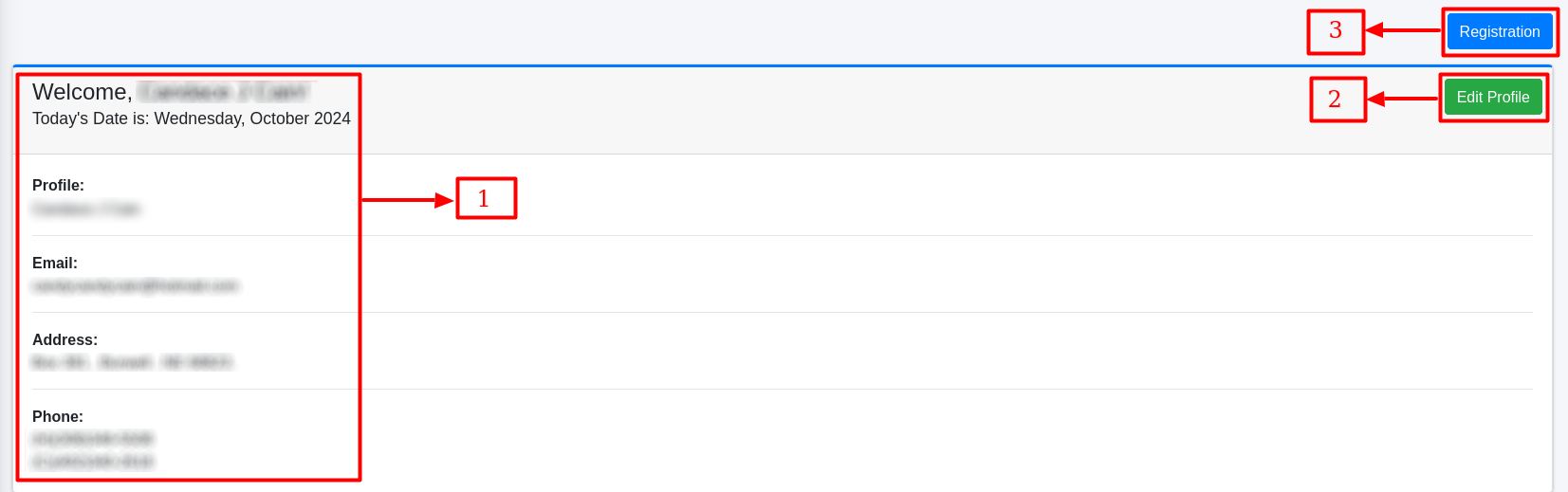
This is the homepage.
The judge’s profile details (marked as 1) are displayed in this section, such as their name, email, address, and phone number.
The Edit Profile button (marked as 2) allows the judge to update or modify their profile information.
The Registration button (marked as 3) links to the registration page, where the judge can proceed with registration activities.
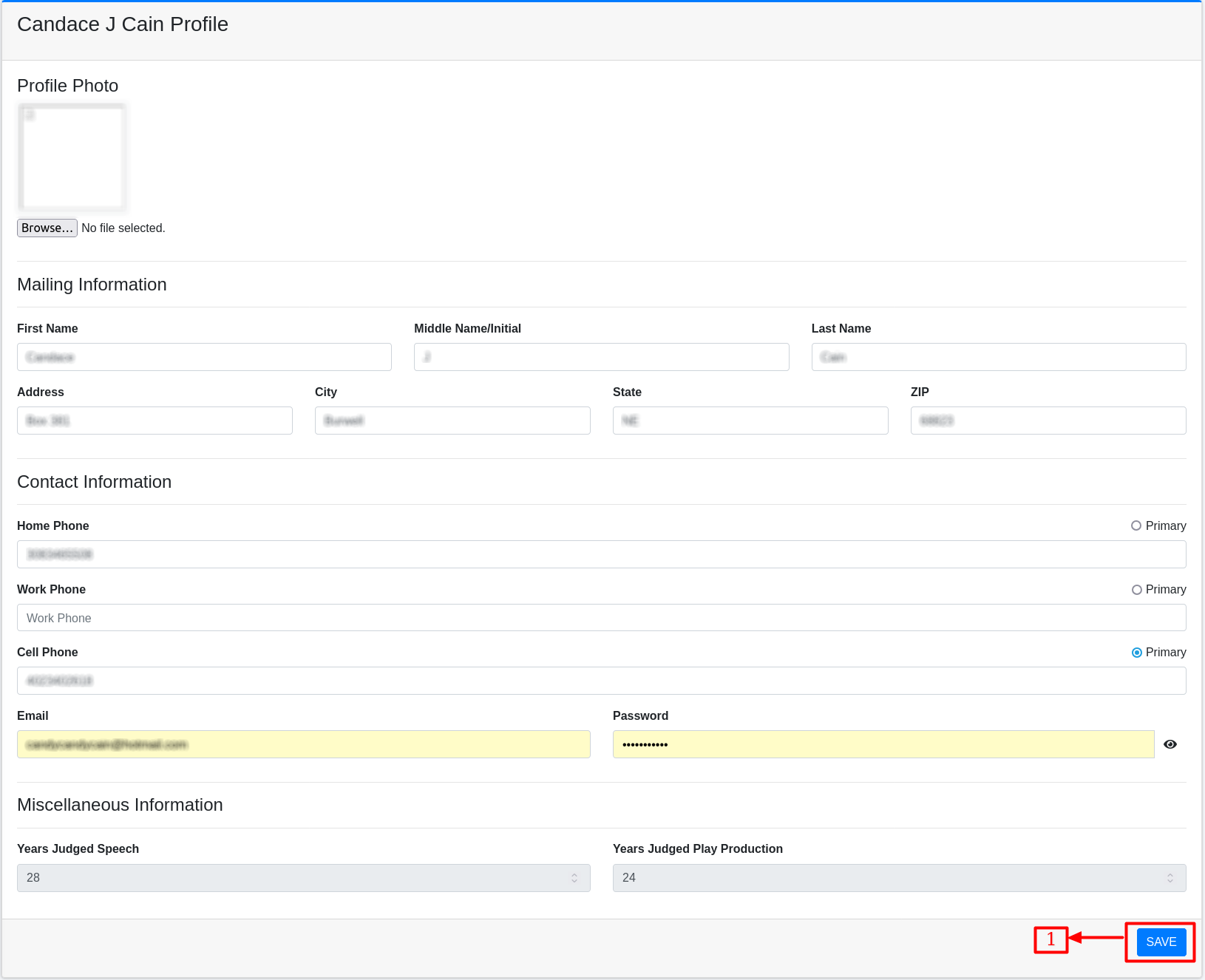
No. 1 is the Save button, which allows the judge to save the updated or edited information.
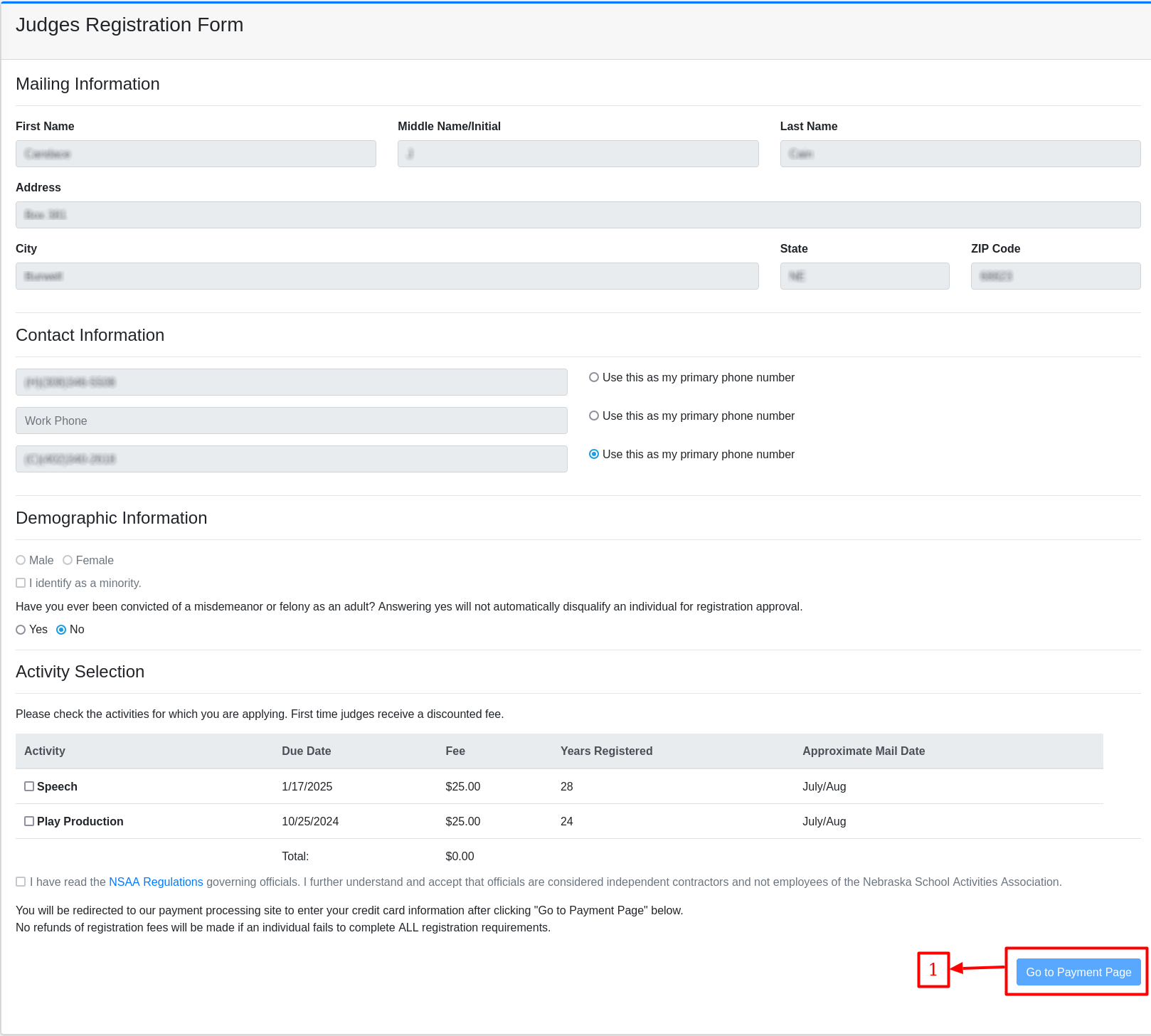
This is the registration page where a judge can register for activities like Play Production, Speech, or both, by paying the required fee.
No. 1 is the “Go to Payment Page” button, which directs the judge to enter their payment details after selecting the activities and agreeing to terms.