Reminders
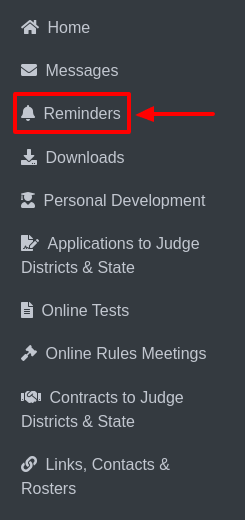
Select Reminders from the sidebar.
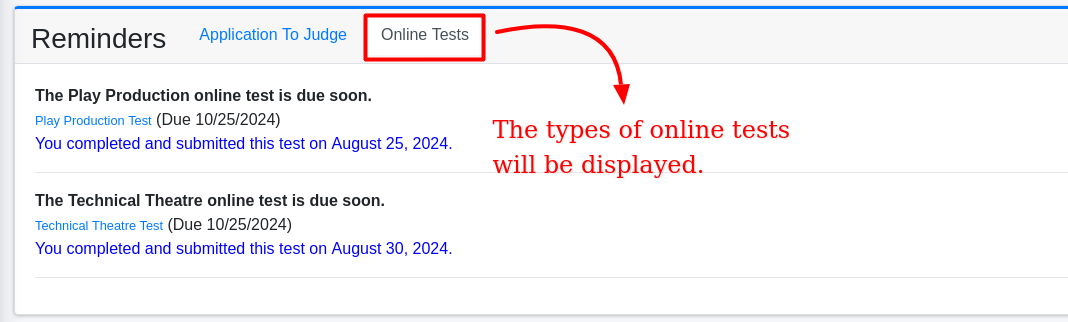
This will display options such as Application to Judge and Online Tests.

i. Application to Judge:
This section will display by default.

If data is available, it will be shown here; otherwise, the section will remain empty.
ii. Online Tests:
When selected, this section will show the types of tests, test due dates, and the final submission dates.
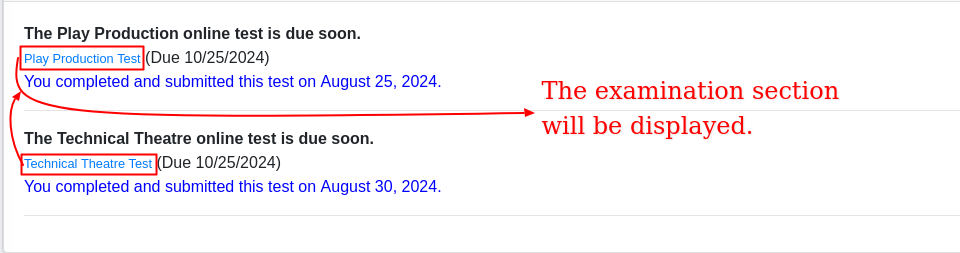
To proceed, click on a specific test, which will open the examination form.
Here, you can view the total number of questions, select your preferred answers, and save your responses by clicking the Save button.
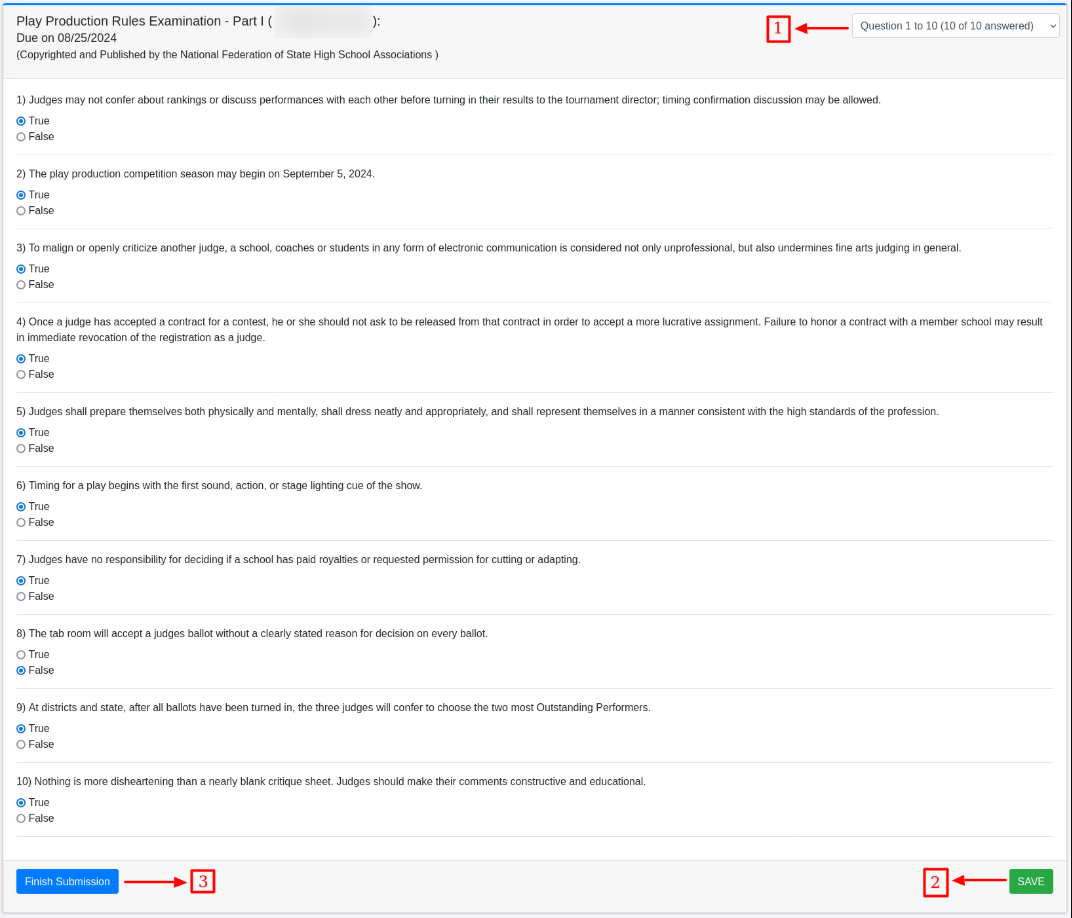
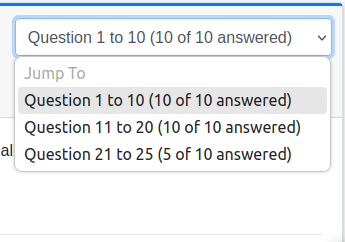
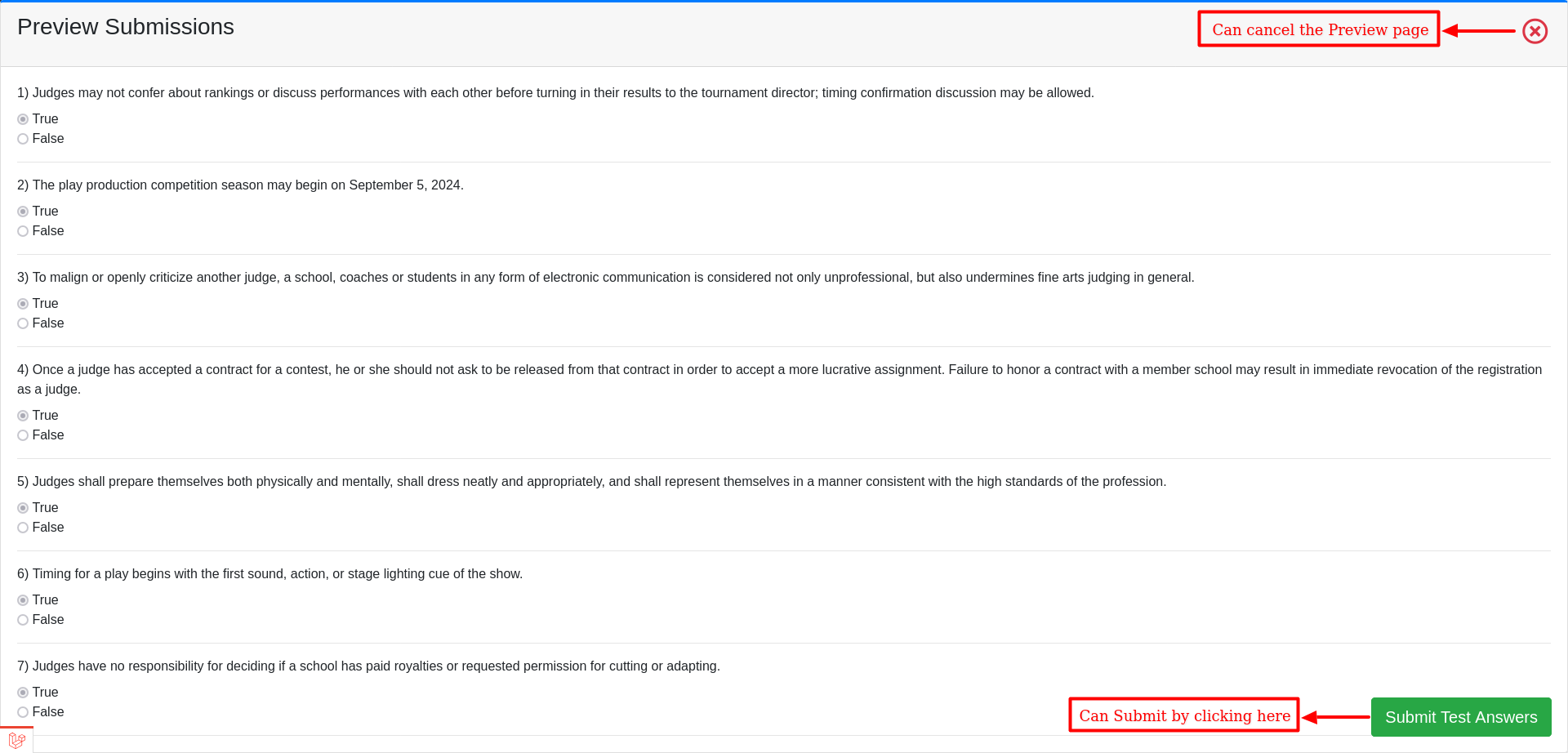
Once completed, click Finish Submission to preview your answers.

For final submission, click Submit Test Answers to complete the process.